8171 Web Portal 2025 – Check BISP Payment Online by CNIC
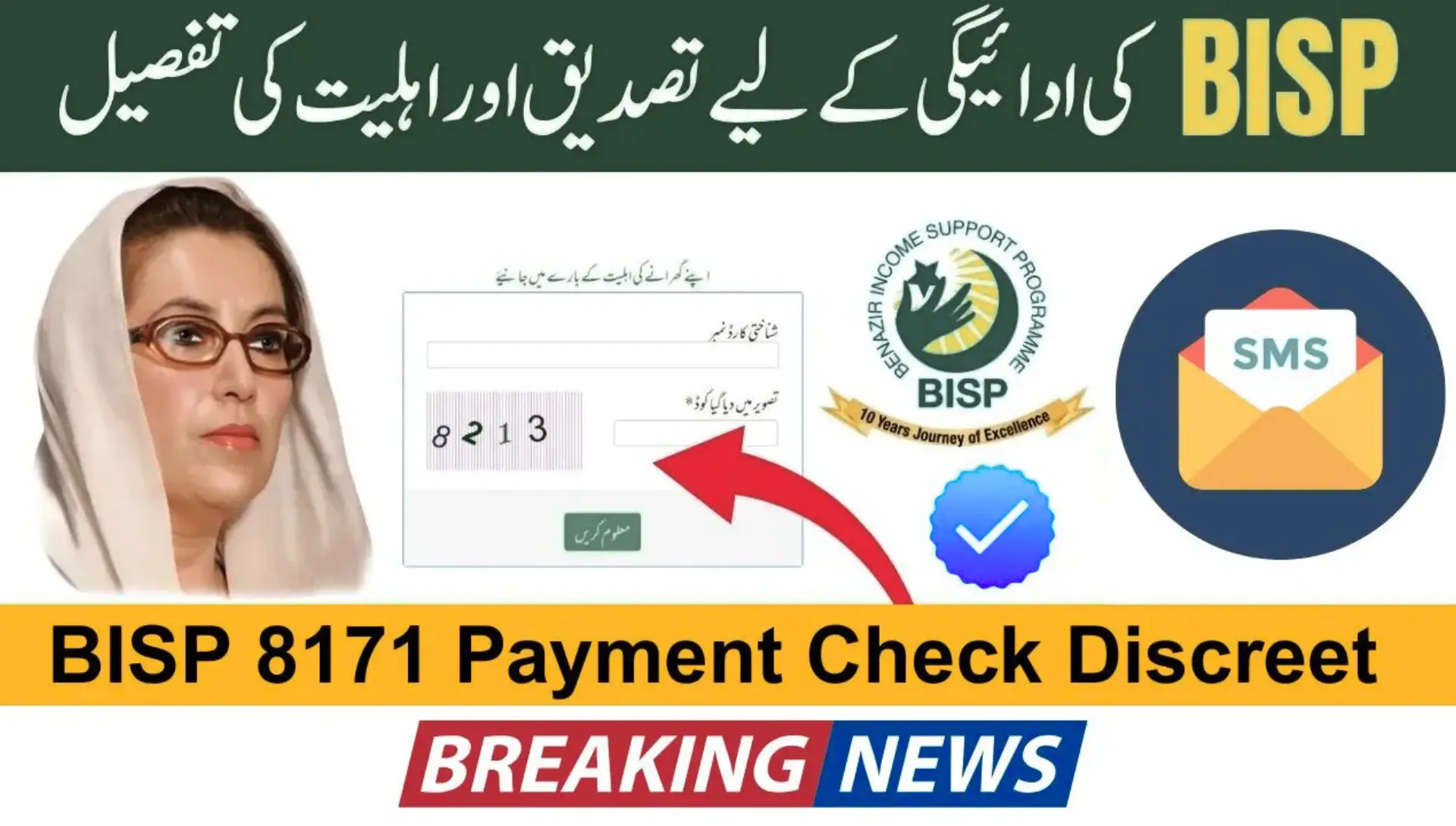
The 8171 Web Portal 2025 has become a vital lifeline for millions of low-income families, especially women across Pakistan. In 2025, thousands of beneficiaries depend on the Benazir Income Support Programme (BISP) to manage essential needs such as food, education, and healthcare.rn
rnrnTo make the payment verification process faster, safer, and more transparent, the government launched the official 8171 Web Portal, enabling beneficiaries to check their payment details online using their CNIC number. With this update, you no longer need to rely solely on SMS alerts or wait in long queues at payment centers to know if your Rs. 13,500 installment has been released.rn
rnrn
rnrn
rnrn
rnrn
rnrn
rnrn
rnrn
rnrn
rnrn
rn
rnThe 8171 Web Portal is the official online platform developed by BISP to provide real-time access to payment details. Before its launch, beneficiaries had to depend on SMS updates or physically visit payment centers, which often caused delays, confusion, and overcrowding.rnrnNow, this digital platform ensures a faster, more reliable, and transparent method to verify payment status directly from home, giving every beneficiary confidence that they will receive their full amount without deductions.rnrn
rnrn
rnWhat is the 8171 Web Portal?
rnrn
rnChecking your BISP 8171 payment status online provides multiple benefits:rnrn
rnrn
rnWhy You Should Check BISP 8171 Payment Status Online
rn- rn
- Instant updates without leaving your home. rn
- Protection against fraudulent agents who demand fake fees. rn
- Access to full payment history records for better financial tracking. rn
rnrn
Step-by-Step Guide to Check Payment Status
rn- rn
- Visit the official 8171 Web Portal. rn
- Enter your CNIC number without dashes. rn
- Complete the CAPTCHA verification. rn
- Submit your request. rn
- View your payment details, including the amount, date, and payment center. rn
- Save proof by taking a screenshot or printing the page. rn
rnrn
Understanding 8171 Payment Status Results
rn- rn
- Paid â Your payment is credited in full (Rs. 13,500 or the latest official amount). rn
- Pending â Processing is still underway. Check again after a few days. rn
- Not Eligible â Your CNIC is not listed in the active beneficiary database. Update your registration to continue. rn
rnrn
Additional Methods to Check Your Payment
rn- rn
- SMS â Send your CNIC number to 8171 for instant updates. rn
- BISP Office Visit â Visit your local Tehsil Office for official assistance. rn
- ATM Check â Use your BISP-enabled card at HBL or Bank Alfalah ATMs to verify your balance before withdrawing. rn
rnrn
How to Protect Yourself from Fraud
rn- rn
- Collect payments only from authorized centers and agents. rn
- Never pay extra charges to anyone offering âÂÂhelp.â rn
- Always complete biometric verification before receiving cash. rn
- Keep your payment receipt safely as proof. rn
rnrn
What to Do if You Face Payment Issues or Deductions
rn- rn
- SMS Complaint â Send CNIC + âÂÂComplaintâ to 8171. rn
- Office Visit â Go to your nearest BISP Tehsil Office with details. rn
- Helpline â Call the official BISP Helpline 0800-26477. rn
- Provide Proof â Share receipts or SMS confirmations to strengthen your case. rn
rnrn
Tips for Smooth and Secure Payment Collection
rn- rn
- Check your payment status early to avoid the last-day rush. rn
- Bring a family member for safety during collection. rn
- Ensure your CNIC is valid and updated. rn
- Keep your payment receipts securely for future reference. rn
rnrn
Benefits of Using the 8171 Web Portal in 2025
rn- rn
- Saves time and travel expenses. rn
- Reduces the risk of fraud and scams. rn
- Helps with financial planning through instant updates. rn
- Provides an official record of past and current payments. rn
rnrn
FAQs â 8171 Web Portal & BISP Payments
rnQ1: Is the 8171 Web Portal free to use?rnYes, it is completely free. You only need internet access and your valid CNIC number.rnrnQ2: How often should I check my payment status?rnIt is best to check once a week during payment release months to stay updated.rnrnQ3: Can I use someone elseâÂÂs phone or computer to check my payment?rnYes, but ensure you enter your CNIC details carefully and log out afterward.rnrnQ4: What should I do if my status shows âÂÂPendingâ for too long?rnVisit your nearest BISP office or call the helpline for clarification.rnrnQ5: Can I check my previous payments on the 8171 Web Portal?rnYes, the portal keeps a record of your past and current payments.rnrnQ6: What if my CNIC has expired?rnYou must renew your CNIC at NADRA before you can receive payments.rnrnQ7: Is biometric verification mandatory for collecting BISP payments?rnYes, thumbprint verification is required for secure disbursement.rnrnrnrn